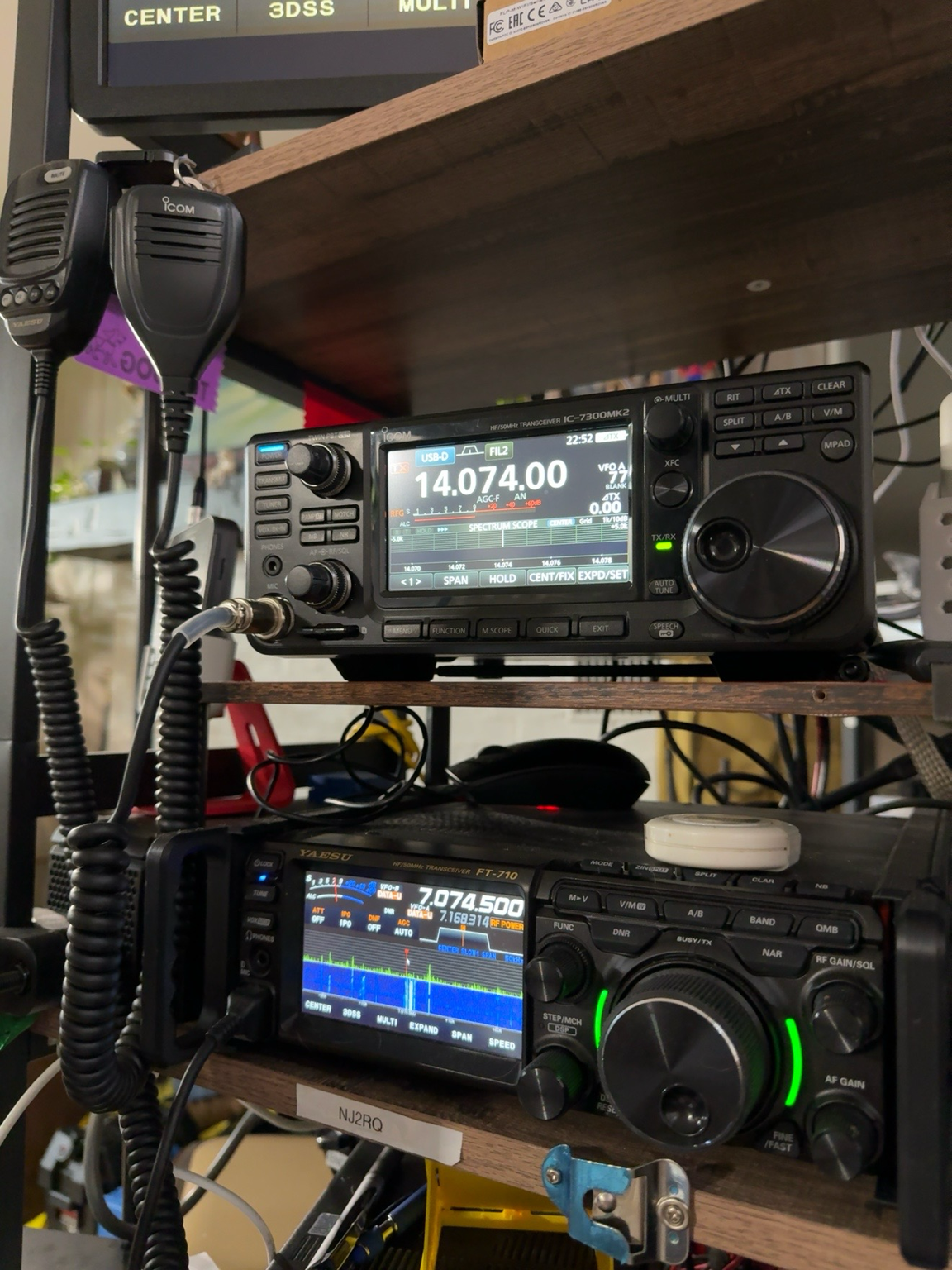
Setting Up the Icom IC-7300MK2 for FT8: USB-C and Dual COM Ports
The IC-7300MK2 adds a USB Type-C port with two virtual COM ports plus USB audio input and output. Icom specifically describes this arrangement as supporting simultaneous applications such as FT8, logging, and contest software over one USB cable. That makes the radio well suited to digital-mode operation without requiring a separate external sound-card interface for ordinary USB audio and CAT control.
What the USB-C Connection Actually Provides
The USB Type-C connection carries USB audio and serial control. The connector change itself should not be treated as an FT8 performance or speed upgrade; the important functional change is Icom’s combination of audio IN/OUT with dual virtual COM ports. On a Windows PC, install Icom’s current supported USB driver before relying on the serial interfaces. As of September 24, 2026, Icom lists USB Driver Version 1.80, released August 26, 2026, for the IC-7300MK2 on Windows 11 (excluding Windows on ARM).
A single USB connection can therefore handle radio control and digital audio. Good USB cabling and sensible station grounding and RF management are still important, because USB connections can be affected by common-mode RF in some station installations.
Dual Virtual COM Ports
The IC-7300MK2 provides two virtual COM ports. The practical advantage is that two compatible applications can have separate serial interfaces available instead of competing for one serial port. Icom specifically cites simultaneous use of applications such as FT8 software and logging or contest software. The exact COM numbers are assigned by the computer, so they will not necessarily be COM3 and COM4.
You do not need to dedicate the second COM port to PTT simply because it exists. WSJT-X supports CAT PTT, as well as other PTT methods, and CAT is a straightforward choice when the radio-control connection is working properly.
WSJT-X Setup
- Install the Icom USB driver: Use the current IC-7300MK2-compatible driver from Icom and follow Icom’s installation guide. After installation and connection, note the COM ports assigned by Windows.
- Configure USB audio on the radio: Configure the transceiver so digital-mode transmit audio comes from the USB connection rather than the microphone input. Menu names and available choices can change with firmware, so use the current IC-7300MK2 manual for the exact setting names.
- Select the radio’s USB audio device in WSJT-X: In Settings → Audio, choose the IC-7300MK2 USB audio input and output devices. Keep ordinary computer notification sounds routed to computer speakers or another device so they cannot be transmitted accidentally.
- Configure CAT: In Settings → Radio, select the compatible Icom rig definition, choose the COM port used for CAT, and match the serial settings to the radio. Use Test CAT to confirm control and Test PTT to verify transmit switching.
- Choose the operating mode and split behavior: WSJT-X recommends USB or Data/Pkt as appropriate for the radio. If the radio’s data mode is configured for USB audio, Data/Pkt is commonly useful. WSJT-X documents significant advantages to Split Operation because it keeps transmit audio in the 1500–2000 Hz range. Choose Rig if the radio and CAT setup support split operation, or Fake It to let WSJT-X adjust the VFO frequency as needed.
Audio Levels and RFI
Set transmit audio conservatively and watch the radio’s ALC indication while testing. Avoid driving the transmitter hard enough to create unnecessary ALC action or distortion. A clean FT8 signal depends on proper audio level, transmitter settings, and an RF-clean station; maximum computer audio is not the goal.
If RF is disrupting USB operation, address the station’s common-mode current and grounding/bonding issues. Ferrite suppression on the USB cable can be useful, but the appropriate ferrite mix, number of turns, and placement depend on the frequencies being used and the specific installation. Treat ferrites as part of an RFI-control strategy rather than as a guaranteed cure.
Current Software and Firmware Note
As of September 24, 2026, Icom America lists IC-7300MK2 firmware Version 1.03, dated September 4, 2026, and USB Driver Version 1.80, dated August 26, 2026. Check Icom’s support page before setup because firmware and driver versions can change.
Leave a Reply