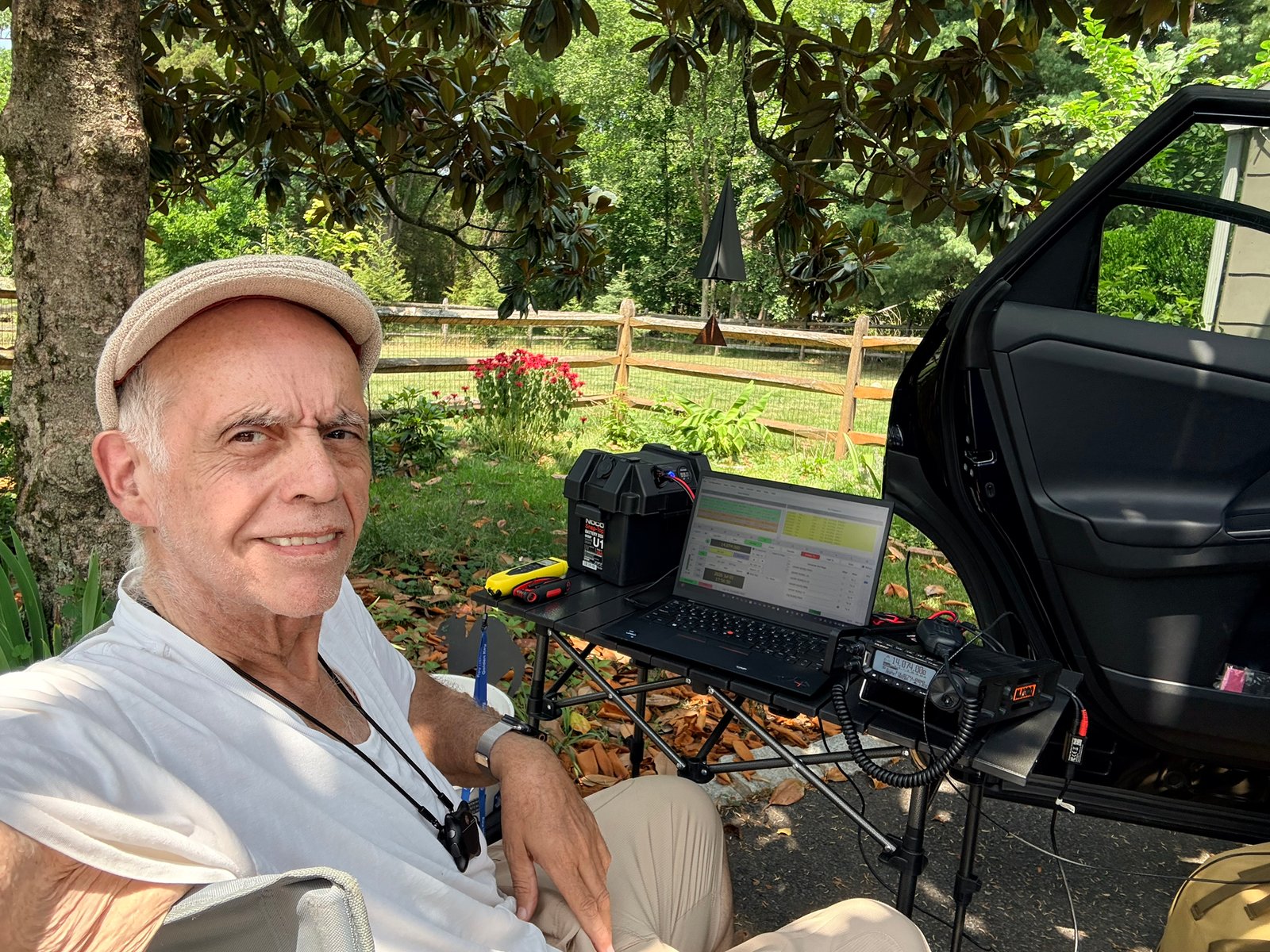
Tag: IC-7300MK2

  • Would a Beverage Antenna Improve My 160/80 Meter Reception?

    Would a Beverage Antenna Improve My 160/80 Meter Reception?

    I have been looking at one of the classic low-band receiving antennas: the Beverage antenna. The first thing to understand is that a Beverage is not about putting a stronger transmitted signal on the air. Its job is to help you hear weak stations better.

    For operators who spend time on 160 or 80 meters, especially when chasing DX through atmospheric noise and interference, that can be a very big deal.

    What Is a Beverage Antenna?

    A Beverage is a long, low wire receiving antenna, usually installed only a few feet above the ground and run in a fairly straight line. Traditional installations are often hundreds of feet long. It is normally used as a receive-only antenna.

    The reason people use one is not because it produces a huge signal on the S-meter. In fact, the received signal may be weaker than it is on a full-size transmitting antenna. What matters is the signal-to-noise ratio. A weak station that was buried in noise can become much easier to copy if the Beverage reduces noise arriving from other directions.

    Where a Beverage Really Shines

    The ARRL specifically discusses receiving wire antennas such as the Beverage for 160 and 80 meters, where large rotatable directional antennas are impractical for most hams. Those bands also tend to have high atmospheric noise, so improving receive directivity can be more useful than simply trying to collect a stronger signal.

    A Beverage can also be useful on 40 meters depending on its length, orientation and installation, but 160 and 80 meters are where the antenna has earned its reputation.

    The Important Word: Directional

    A properly installed Beverage favors signals arriving from a particular direction while reducing response to signals and noise from other directions. That makes orientation important. If I wanted to improve reception toward Europe, for example, I would plan the wire around that desired receiving direction rather than simply putting it wherever it happens to fit.

    There are also reversible and multi-direction Beverage systems for stations with enough property, but a single-wire Beverage is the simplest place to start.

    Would It Help With Local Electrical Noise?

    Possibly, but this needs a little nuance. A directional receiving antenna can do an excellent job when the unwanted noise is arriving predominantly from a direction that the antenna can reject. It is not a magic cure for every source of local radio-frequency interference. Noise generated very close to the station, feed line or antenna can still find its way into the receiver.

    That means a Beverage should be considered one part of a good low-noise receiving system, along with proper feed-line treatment, common-mode-current control and finding or reducing local noise sources whenever possible.

    My IC-7300MK2 Makes This Especially Interesting

    The Icom IC-7300MK2 has a feature that makes a separate receiving antenna particularly convenient: dedicated RX ANT IN/OUT SMA connectors. Icom specifically identifies these connections for receiving antennas, filters and preamplifiers.

    That means I can continue using my normal transmitting antenna while taking advantage of a Beverage for reception. I do not have to turn the Beverage into a transmitting antenna—and I should not try to transmit into a receive-only Beverage system.

    The Biggest Disadvantage: Space

    The Beverage antenna is electrically simple, but it wants real estate. W8JI’s extensive work with low-band receiving antennas points out the same basic tradeoff: the Beverage is simple and effective, but significant directivity requires substantial physical length.

    If you have the room for a long straight run of wire, that simplicity is part of its appeal. If your property cannot accommodate it, compact directional receiving antennas such as a K9AY, EWE, Flag or Pennant may deserve a look instead. For transmitting-antenna choices, I have also covered end-fed wires, verticals and hamsticks in a separate article.

    Quick Beverage Antenna Checklist

    • Best fit: weak-signal work on 160 and 80 meters.
    • Main benefit: improved signal-to-noise ratio and directional rejection.
    • Not a transmit upgrade: use it as a receive antenna.
    • Space required: expect a long, fairly straight wire run.
    • Installation matters: orientation, termination, grounding and feed-line isolation all affect performance.
    • Limited space? Consider a K9AY, EWE, Flag or Pennant receive antenna.

    So, Would I Benefit From One?

    For my station, the answer is yes—if I have enough space and I want to spend more time working weak signals on the lower HF bands.

    I would not install a Beverage expecting better transmit performance. I would install it because hearing is half of every QSO. If a distant station can hear me but I cannot pull that station out of the noise, more transmit power does not solve the receiving problem.

    For 160- and 80-meter DX, a good receive antenna can be one of the most worthwhile station improvements you can make.

    Bottom Line

    A Beverage antenna is a receiving tool, not a transmitting upgrade. If you have the room, operate the low bands and fight noise or weak-signal reception, it can give you something that another 100 watts cannot: a better chance of actually hearing the station calling you.


    References:
    ARRL — MF/HF Receiving Wire Antennas
    Icom America — IC-7300MK2
    W8JI — Beverage Antenna Construction

    73, NJ2RQ
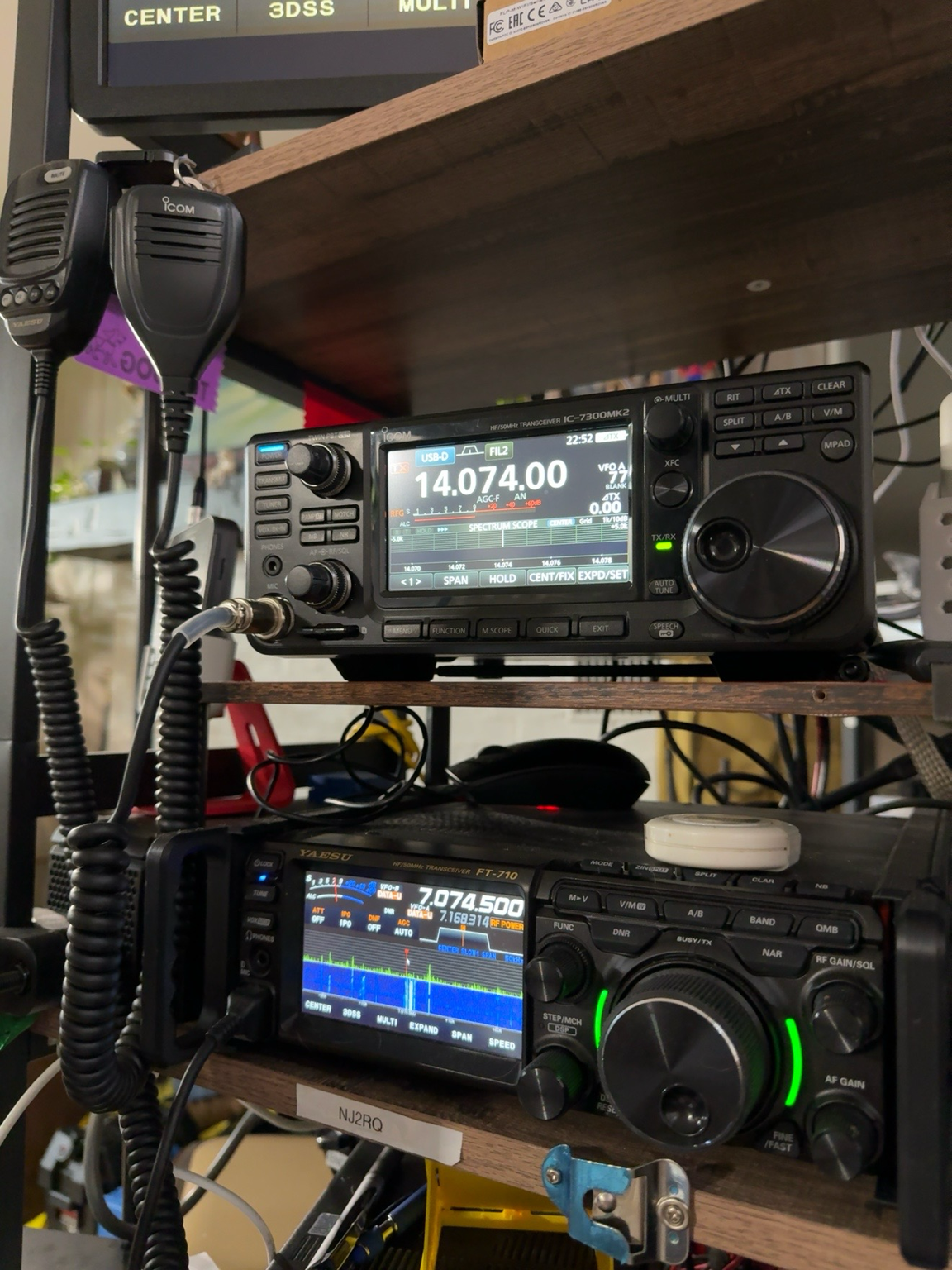
  • IC-7300MK2 for FT8: USB-C, Dual COM Ports, and a Cleaner Digital Setup

    IC-7300MK2 for FT8: USB-C, Dual COM Ports, and a Cleaner Digital Setup

    For FT8 operators, one of the most useful changes in the Icom IC-7300MK2 is not a flashy front-panel feature. It is the updated USB connection. The radio uses USB Type-C and provides audio in and out plus two virtual COM ports through a single USB cable. That can make a digital-mode station much cleaner than the typical arrangement of separate serial and audio interfaces.

    Why the dual COM ports matter

    When a radio presents more than one virtual serial port to Windows, different applications can communicate with the transceiver without fighting over the same connection. Icom specifically promotes the IC-7300MK2 as being able to support two applications at the same time, including combinations such as FT8 software, logging software, and contest software.

    In a typical FT8 station, WSJT-X needs CAT control so it can read and change the radio frequency and manage transmit/receive operation. At the same time, a logging program may also need access to radio data. With the IC-7300MK2, the dual virtual COM-port arrangement gives you more flexibility in assigning those jobs while keeping the physical cabling simple.

    One USB-C cable also carries audio

    The same USB Type-C connection carries audio input and output between the radio and the computer. For FT8, that means the computer can send transmit audio to the radio and receive decoded audio from the radio without an external sound card or a separate digital interface.

    That does not mean every setting is automatic. You still need to select the correct Icom USB audio device in WSJT-X, choose the proper CAT port, set the correct radio model and baud/control settings, and adjust transmit audio so the radio is not being overdriven. But from a hardware standpoint, the IC-7300MK2 can provide the core CAT-and-audio path through one cable.

    A practical FT8 setup

    For a Windows 10 or Windows 11 computer, start with Icom’s current USB driver before connecting the radio for the first time. Icom lists the IC-7300MK2 as supported by its current USB-driver package. After installation and connection, Windows should create the Icom audio device and the virtual COM ports that your applications can use.

    From there, the basic setup is straightforward:

    • Connect the IC-7300MK2 to the computer with a good USB-C data cable.
    • Open Windows Device Manager and identify the Icom virtual COM ports.
    • In WSJT-X, select the IC-7300MK2-compatible CAT settings and the appropriate COM port.
    • Select the Icom USB audio device for both input and output.
    • Set the radio for the correct USB data mode and confirm that WSJT-X can control frequency and PTT.
    • Keep transmit audio conservative and watch the radio’s ALC indication so the digital signal stays clean.

    Why this is better than adding more boxes

    Many hams already own external interfaces such as DigiRig, Signalink, or other USB audio/CAT devices, and those still have their place. But when the radio itself can provide serial control and audio over USB, every extra box becomes optional rather than mandatory. Fewer interfaces can mean fewer cables, fewer USB devices to troubleshoot, and fewer places for ground-loop or audio-routing problems to appear.

    The second virtual COM port is particularly valuable if you like to run WSJT-X alongside a logger or other control software. You still need to configure the programs correctly, but the radio gives you the connectivity to do it without trying to force every application through one serial connection.

    Related FT8 reading

    If you are still getting comfortable with what FT8 is doing during a contact, see FT8 Without the Confusion: What Your Radio Is Actually Doing When You Make a Contact.

    Quick questions

    Do I need a separate sound-card interface?

    Not for a basic computer-to-radio FT8 connection. The IC-7300MK2 can carry USB audio and serial control over its USB-C connection.

    Why are two virtual COM ports useful?

    They give you more flexibility when more than one application needs radio control or status information, such as running WSJT-X alongside logging or contest software.

    Does one USB cable mean there is nothing to configure?

    No. You still need to select the correct audio device and COM port, configure CAT/PTT, choose the proper data mode, and set transmit audio levels correctly.

    The bottom line

    The IC-7300MK2’s USB-C connection is a meaningful upgrade for digital-mode operators. For FT8, the combination of USB audio and dual virtual COM ports can simplify the station and make it easier to run WSJT-X together with logging or contest software. It does not eliminate software configuration, but it reduces the amount of extra hardware required between the radio and the computer.

    For operators building a modern FT8 station around the IC-7300MK2, that single USB-C cable may end up being one of the radio’s most practical everyday improvements.

    Sources: Icom’s IC-7300MK2 product information and current USB driver support documentation.