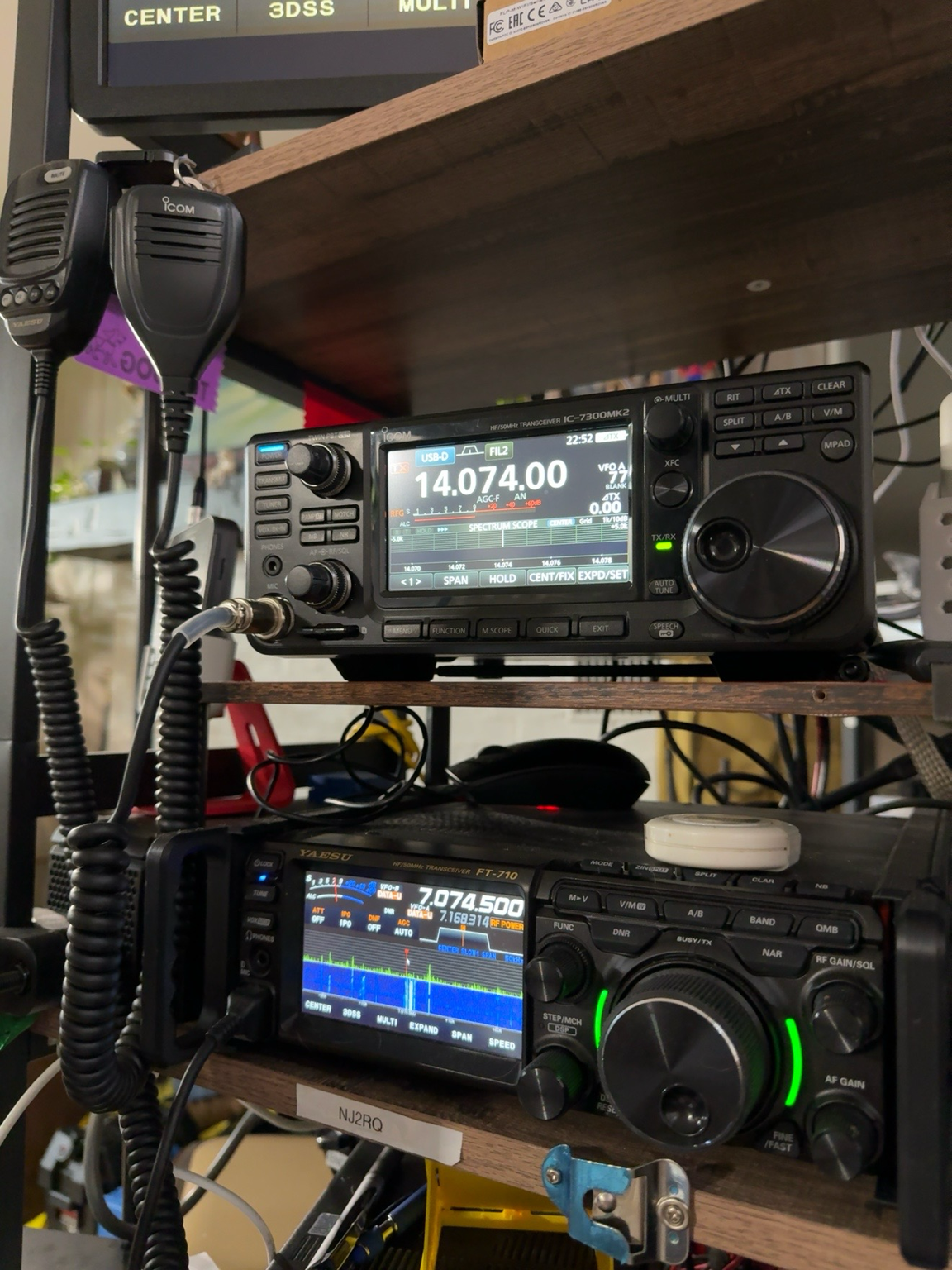
For FT8 operators, one of the most useful changes in the Icom IC-7300MK2 is not a flashy front-panel feature. It is the updated USB connection. The radio uses USB Type-C and provides audio in and out plus two virtual COM ports through a single USB cable. That can make a digital-mode station much cleaner than the typical arrangement of separate serial and audio interfaces.
Why the dual COM ports matter
When a radio presents more than one virtual serial port to Windows, different applications can communicate with the transceiver without fighting over the same connection. Icom specifically promotes the IC-7300MK2 as being able to support two applications at the same time, including combinations such as FT8 software, logging software, and contest software.
In a typical FT8 station, WSJT-X needs CAT control so it can read and change the radio frequency and manage transmit/receive operation. At the same time, a logging program may also need access to radio data. With the IC-7300MK2, the dual virtual COM-port arrangement gives you more flexibility in assigning those jobs while keeping the physical cabling simple.
One USB-C cable also carries audio
The same USB Type-C connection carries audio input and output between the radio and the computer. For FT8, that means the computer can send transmit audio to the radio and receive decoded audio from the radio without an external sound card or a separate digital interface.
That does not mean every setting is automatic. You still need to select the correct Icom USB audio device in WSJT-X, choose the proper CAT port, set the correct radio model and baud/control settings, and adjust transmit audio so the radio is not being overdriven. But from a hardware standpoint, the IC-7300MK2 can provide the core CAT-and-audio path through one cable.
A practical FT8 setup
For a Windows 10 or Windows 11 computer, start with Icom’s current USB driver before connecting the radio for the first time. Icom lists the IC-7300MK2 as supported by its current USB-driver package. After installation and connection, Windows should create the Icom audio device and the virtual COM ports that your applications can use.
From there, the basic setup is straightforward:
- Connect the IC-7300MK2 to the computer with a good USB-C data cable.
- Open Windows Device Manager and identify the Icom virtual COM ports.
- In WSJT-X, select the IC-7300MK2-compatible CAT settings and the appropriate COM port.
- Select the Icom USB audio device for both input and output.
- Set the radio for the correct USB data mode and confirm that WSJT-X can control frequency and PTT.
- Keep transmit audio conservative and watch the radio’s ALC indication so the digital signal stays clean.
Why this is better than adding more boxes
Many hams already own external interfaces such as DigiRig, Signalink, or other USB audio/CAT devices, and those still have their place. But when the radio itself can provide serial control and audio over USB, every extra box becomes optional rather than mandatory. Fewer interfaces can mean fewer cables, fewer USB devices to troubleshoot, and fewer places for ground-loop or audio-routing problems to appear.
The second virtual COM port is particularly valuable if you like to run WSJT-X alongside a logger or other control software. You still need to configure the programs correctly, but the radio gives you the connectivity to do it without trying to force every application through one serial connection.
Related FT8 reading
If you are still getting comfortable with what FT8 is doing during a contact, see FT8 Without the Confusion: What Your Radio Is Actually Doing When You Make a Contact.
Quick questions
Do I need a separate sound-card interface?
Not for a basic computer-to-radio FT8 connection. The IC-7300MK2 can carry USB audio and serial control over its USB-C connection.
Why are two virtual COM ports useful?
They give you more flexibility when more than one application needs radio control or status information, such as running WSJT-X alongside logging or contest software.
Does one USB cable mean there is nothing to configure?
No. You still need to select the correct audio device and COM port, configure CAT/PTT, choose the proper data mode, and set transmit audio levels correctly.
The bottom line
The IC-7300MK2’s USB-C connection is a meaningful upgrade for digital-mode operators. For FT8, the combination of USB audio and dual virtual COM ports can simplify the station and make it easier to run WSJT-X together with logging or contest software. It does not eliminate software configuration, but it reduces the amount of extra hardware required between the radio and the computer.
For operators building a modern FT8 station around the IC-7300MK2, that single USB-C cable may end up being one of the radio’s most practical everyday improvements.
Sources: Icom’s IC-7300MK2 product information and current USB driver support documentation.
Leave a Reply